Deployment notes: Quarto, CUDA, Apache, and GitHub Pages
This post records the final deployment workflow for the server and website, including: remote VS Code editing, Quarto rendering, CUDA compatibility, local Apache deployment, and GitHub Pages publishing.
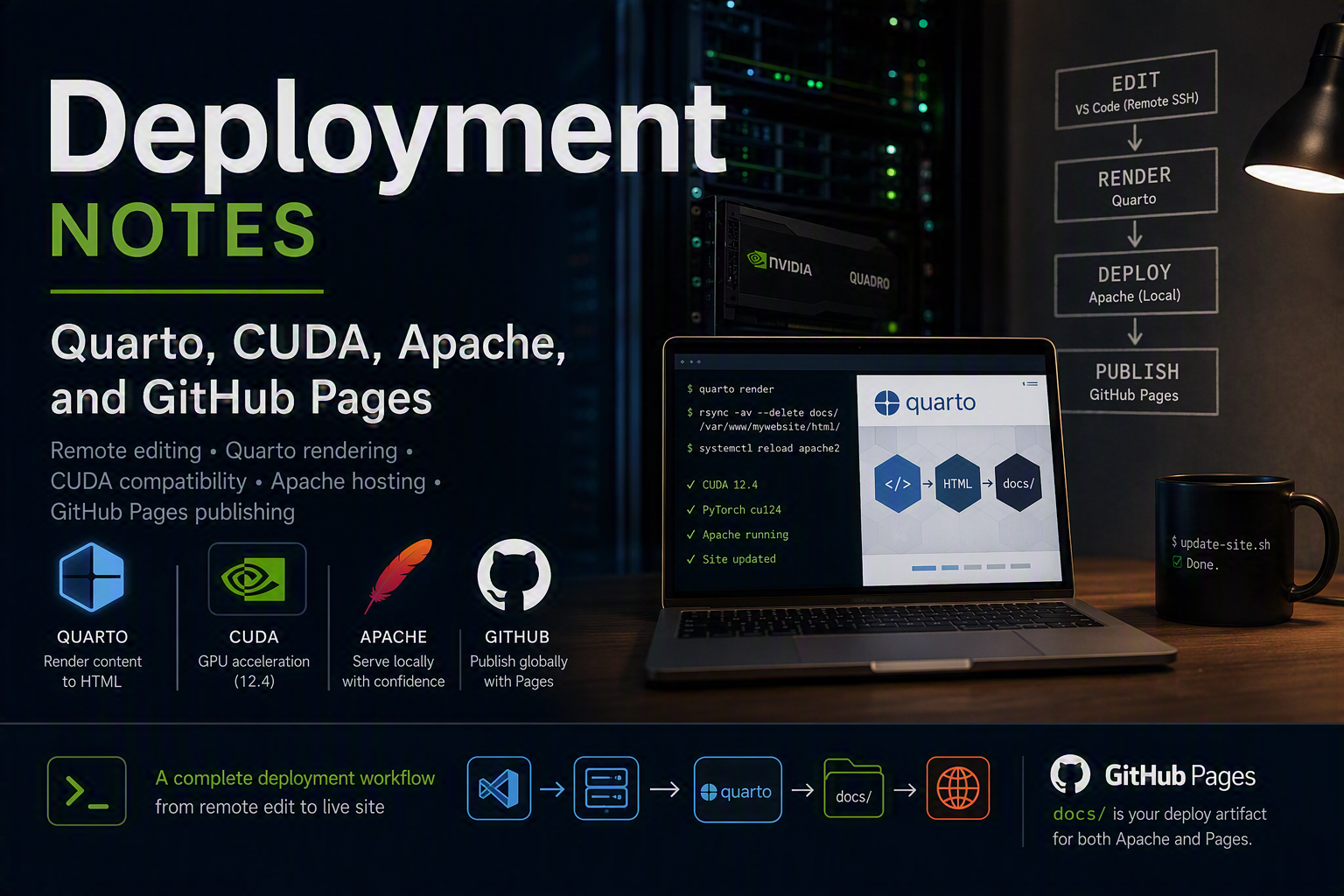
What I did
- set up a non-root
devuser with SSH key authentication and hardenedsshd - installed Quarto CLI from the official site: https://quarto.org/docs/get-started/
- created a Python 3.12 virtual environment at
~/venv-gpu - registered
venv-gpuas a Jupyter kernel - installed CUDA 12.4 using the local Ubuntu 24.04 CUDA installer
- downloaded CUDA 13.3 as well but did not use it for PyTorch
- rendered the Quarto site and deployed
docs/to Apache - kept the source repo synced to GitHub for Pages
Remote VS Code → Server workflow
- Install VS Code on your workstation and the Remote - SSH extension.
- Add a host entry to
~/.ssh/config:
Host xxxxx
  HostName <SERVER_IP>
  User dev
  IdentityFile ~/.ssh/id_ed25519
  ServerAliveInterval 60
  ServerAliveCountMax 3
IdentitiesOnly yes- Connect from VS Code: Command Palette → Remote-SSH: Connect to Host… →
xxxxx. - Open
/home/dev/My_Websitein the SSH remote window. - Install these extensions on the SSH host: Python, Jupyter, Quarto.
- Select the remote interpreter:
/home/dev/venv-gpu/bin/python. - Edit
.qmdfiles in VS Code while the work runs on the server.
Exact package links used
- Quarto CLI: https://quarto.org/docs/get-started/
- NVIDIA CUDA local installer page: https://developer.nvidia.com/cuda-downloads?target_os=Linux&target_arch=x86_64&Distribution=Ubuntu&target_version=26.04&target_type=deb_local
CUDA installation and compatibility
I downloaded both the CUDA 13.3 and CUDA 12.4 local installers from the NVIDIA page. The 13.3 repo was attempted, but the working install was CUDA 12.4 using the Ubuntu 24.04 local installer.
The commands used were:
wget https://developer.download.nvidia.com/compute/cuda/repos/ubuntu2204/x86_64/cuda-ubuntu2204.pin
sudo mv cuda-ubuntu2204.pin /etc/apt/preferences.d/cuda-repository-pin-600
wget https://developer.download.nvidia.com/compute/cuda/12.4.0/local_installers/cuda-repo-ubuntu2204-12-4-local_12.4.0-550.54.14-1_amd64.deb
sudo dpkg -i cuda-repo-ubuntu2204-12-4-local_12.4.0-550.54.14-1_amd64.deb
sudo cp /var/cuda-repo-ubuntu2204-12-4-local/cuda-*-keyring.gpg /usr/share/keyrings/
sudo apt update
sudo apt install -y cuda-toolkit-12-4
Why 12.4 succeeded on Ubuntu 26.04
The cuda-repo-ubuntu2404-12-4-local package is self-contained and creates its own local apt repository and keyring. That made it usable on Ubuntu 26.04 even though NVIDIA had not published a complete 26.04 CUDA repo. In contrast, the 26.04 CUDA repo was incomplete and therefore not reliable.
PyTorch compatibility:
- Installed
torch 2.6.0+cu124,torchvision 0.21.0+cu124,torchaudio 2.6.0+cu124 - Verified
torch.cuda.is_available()and GPU detection on the Quadro T1000 Max-Q - Confirmed PyTorch cu124 works with CUDA 12.4
- Noted that CUDA 13.x is not yet supported by these GPU PyTorch wheels for the Python versions in use
Server commands used
sudo apt update && sudo apt upgrade -y
sudo apt install -y build-essential curl wget git ufw software-properties-common apache2
sudo adduser dev
sudo usermod -aG sudo dev
ssh-keygen -t ed25519
ssh-copy-id dev@SERVER_IP
sudo sed -i 's/#PermitRootLogin yes/PermitRootLogin no/' /etc/ssh/sshd_config
sudo sed -i 's/#PasswordAuthentication yes/PasswordAuthentication no/' /etc/ssh/sshd_config
sudo systemctl restart sshd
Quarto install:
sudo dpkg -i ~/quarto-1.10.18-linux-amd64.deb
quarto --version
Python, venv, Jupyter, and PyTorch:
python3.12 -m venv ~/venv-gpu
source ~/venv-gpu/bin/activate
pip install -U pip setuptools wheel
pip install torch torchvision torchaudio --index-url https://download.pytorch.org/whl/cu124
pip install jupyter ipykernel nbformat nbclient tabulate
python -m ipykernel install --user --name venv-gpu --display-name "Python (venv-gpu)"
R support for Quarto:
sudo apt update
sudo apt install -y r-base r-base-dev
sudo apt install -y r-cran-knitr
sudo apt install -y r-cran-rmarkdown
Deployment to Apache and GitHub Pages
sudo mkdir -p /var/www/mywebsite/html
sudo rsync -av --delete docs/ /var/www/mywebsite/html/
sudo chown -R www-data:www-data /var/www/mywebsite/html/
sudo a2dissite 000-default.conf example.com.conf
sudo a2ensite mywebsite.conf
sudo a2enmod headers rewrite
sudo apache2ctl configtest
sudo systemctl reload apache2
If you use GitHub Pages from docs/, this same folder is the deploy artifact for both local Apache and remote Pages.
Quick update script
Create ~/My_Website/update-site.sh with this content:
#!/usr/bin/env bash
set -e
cd "$(dirname "$0")"
source ~/venv-gpu/bin/activate
quarto render
sudo rsync -av --delete docs/ /var/www/mywebsite/html/
sudo chown -R www-data:www-data /var/www/mywebsite/html/
sudo systemctl reload apache2
echo "✅ Site updated and deployed to Apache from docs/"
Make it executable:
chmod +x ~/My_Website/update-site.shRun it after source changes.
Lessons learned
- always keep a second SSH session open before hardening
sshd rsyncneeds the destination folder to exist (mkdir -p /var/www/mywebsite/html)- only enable one Apache vhost for the live site
- Apache serves
.html, not.qmd - Ubuntu 26.04 may need a self-contained CUDA installer repo when the upstream repo is incomplete
- use a Python venv on Ubuntu 26.04 to avoid PEP 668 system Python restrictions
- Quarto can require external R packages like
knitrandrmarkdown - if a combined
apt installcommand fails, install the packages separately and check package names carefully
Verification
nvidia-smi
nvcc --version
source ~/venv-gpu/bin/activate
python -c "import torch; print(torch.__version__, torch.cuda.is_available(), torch.version.cuda)"
quarto --version
sudo apache2ctl configtest
curl -I http://localhost
This note is now the canonical deployment log for the site and GPU environment.